What to Keep in a Pet's Health Record
Most owners keep a vaccination card and nothing else. The fields that turn out to matter later, and why batch numbers are worth the effort.
By Tony Dalton · Updated
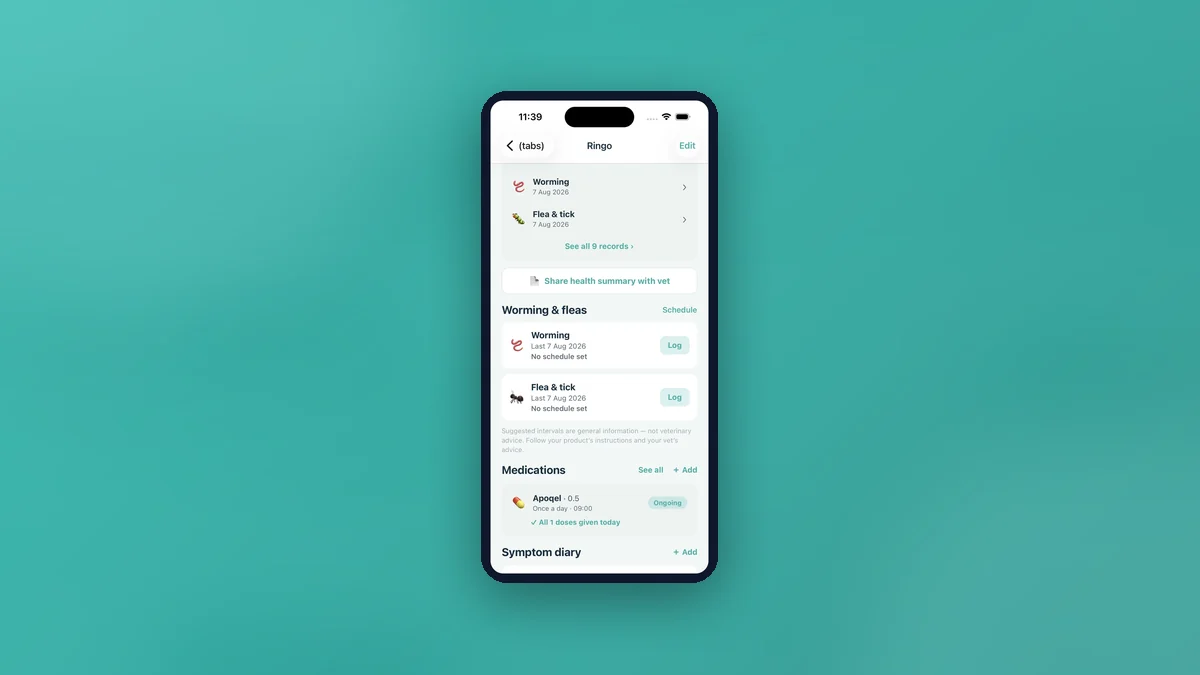
A useful pet health record has more in it than dates. For each entry you want the date, what was given or done, the product name, the batch or lot number, which vet, the weight on the day, and any notes. That set of fields answers almost every question anyone will ask you about your animal over the next fifteen years.
The fields, and why each one earns its place
- Date. Obvious, and the only one most people keep.
- Type. Vaccination, worming, flea and tick, vet visit, medication or other. Being able to filter by type is what makes a long history usable.
- Product name. More reliable than an abbreviation, and the thing a new practice actually wants.
- Batch or lot number. Tedious to copy and occasionally invaluable — it identifies exactly what was administered.
- Vet. Over a lifetime a pet may see three or four practices. Knowing who did what tells you who to ring.
- Weight on the day. The most under-appreciated field. Vaccination visits are often the only regular weighing a pet gets, so these entries quietly become the animal's entire weight history.
- Notes. Reactions, observations, what the vet said.
The weight field, specifically
Most owners never deliberately track weight, but their vet records it at every vaccination appointment. Those numbers sit unused on a card. CorePaw stores weight on the health record and can backfill a weight chart from vaccination records in one tap — turning a decade of ignored data points into a trend line without you having weighed anything.
Next-due dates, handled carefully
A record can carry an optional next-due date, and anything upcoming or overdue surfaces in a due strip at the top of the health panel. Where a next-due date exists, CorePaw schedules a heads-up a week ahead and a nudge on the day, both at 09:00, as OS-level reminders that fire with the app closed and survive a reboot.
Worth knowing: the AI vaccination-card scan deliberately never imports next-due dates. Numbers printed near a vaccine entry are frequently vial expiry dates rather than due dates, and importing those automatically would create confidently wrong reminders. You add the due date yourself, or leave it off.
Getting the card in without typing
Photograph a vaccination card and the app extracts the entries for you to review before saving. It reads cat cards as well as dog cards. The free tier includes three scans to try it; unlimited scans are part of CorePaw Cloud.
Recognised vaccinations show a curated, plain-language note on what they protect against — for dogs, the DHPP family, rabies, lepto and bordetella; for cats, FVRCP, FeLV, chlamydophila and rabies — clearly marked as general information rather than advice.
What good structure gives you
The full history screen filters by type with per-type counts, groups records under year headings, and shows each record's real next-due date inline. That is the difference between a folder of photographs and a record: you can answer a question with it.
And when a vet asks, the health summary PDF assembles identity, microchip, latest weight and body condition score, allergies, the record history, current medications and the symptom diary with photos — built on your device, offline, free for everyone.
General information about record-keeping, not veterinary advice.
Related articles
Keep your pet's whole record in CorePaw.
Passport, microchip, vaccinations, medications, walks and weight — working offline and shared with your household. Free for your first pet, on iPhone and Android.