Your pet's weight, the number your vet asks for.
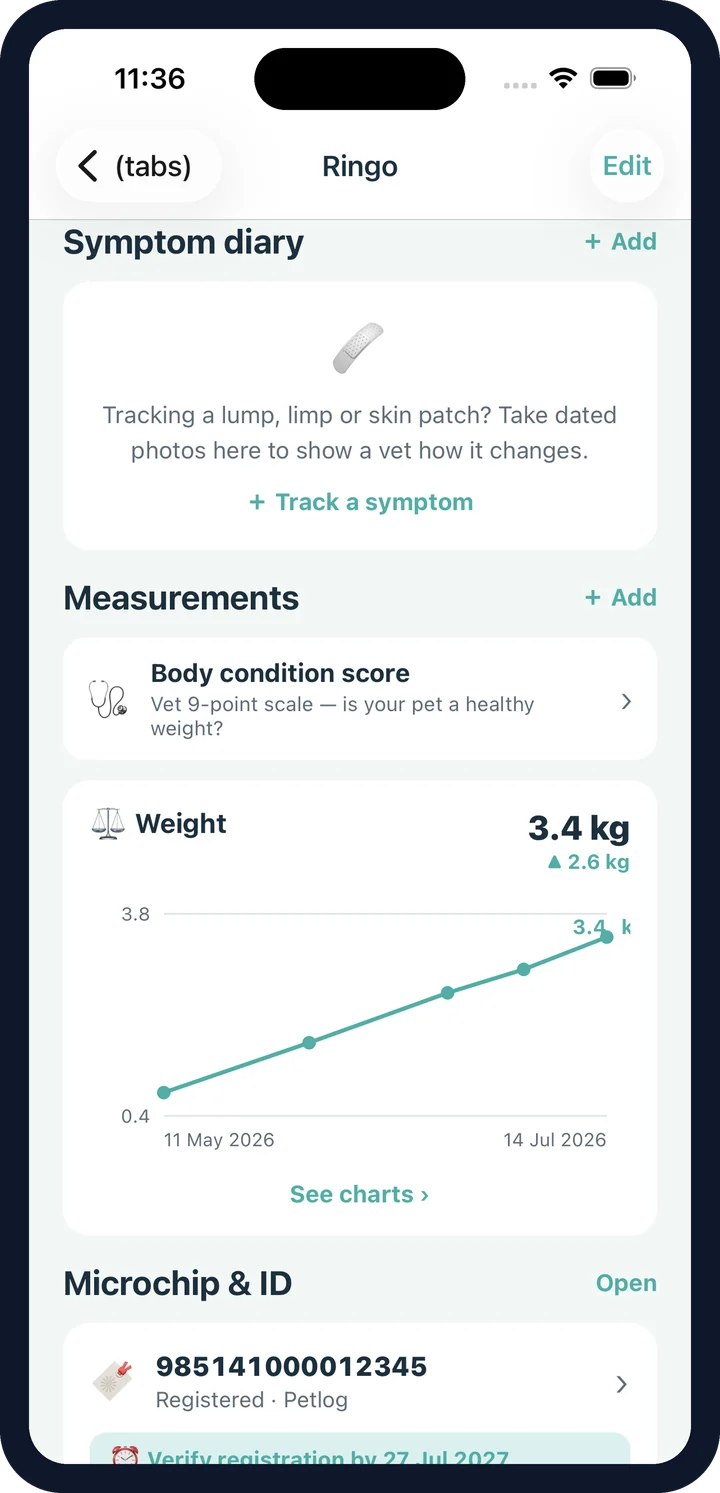
Weight, charted from the first reading to the last — plus the body condition score that tells you what the weight actually means.
- Weight, height, length, neck, chest or your own metric
- A chart per metric with the change since the first reading
- 9-point body condition score with a guided picker
- Species-specific descriptions for dogs and cats
- Backfill weights from vaccination records in one tap
Why weight needs a body condition score.
It depends on the animal. That is why vets score body condition out of nine by feel and shape rather than trusting the scales — and why CorePaw records both, side by side.
Too thin
Ribs, spine and hip bones easily visible, with little or no fat cover.
Ideal
Ribs easily felt without pressing hard, a visible waist from above, tummy tucked up from the side.
Overweight
Ribs hard to feel under fat cover, waist and tuck disappearing.
General information, not an assessment of your animal. The guided picker in the app words each score for the species you're scoring — your vet's number is the one worth recording.
Backfill the weight chart from vaccination records.
Every vaccination record can carry the weight taken on the day — which means most people already have a weight history sitting in a booklet. Import the card, then backfill the weight series from those records with one tap, and the chart opens with real history behind it.
- Photograph a vaccination card to import the records
- One tap backfills the weight series from them
- Add new readings whenever you weigh them
Weight and body condition on the vet PDF.
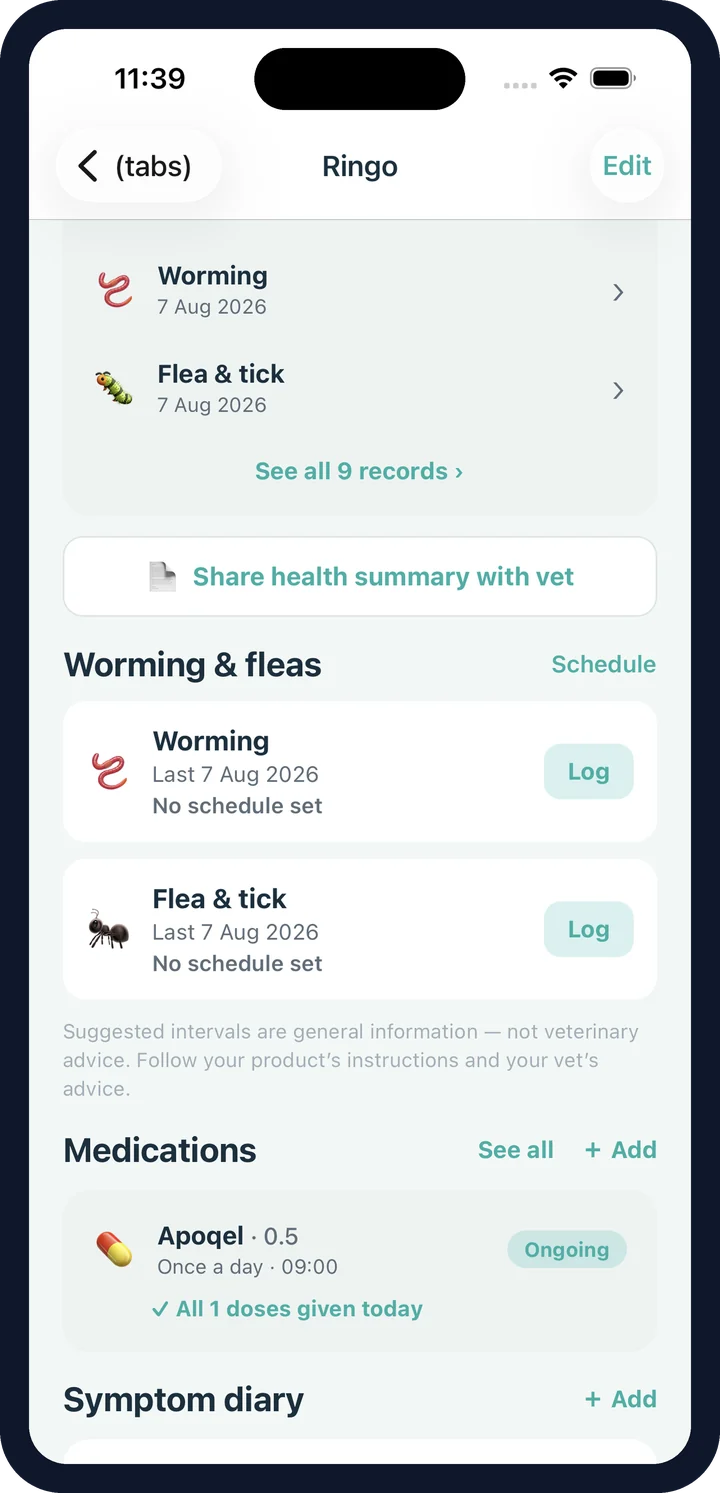
The latest weight and body condition score are printed on the health summary alongside the identity, microchip, allergies, history and current medications — so the consult starts with facts instead of "he's about the same, I think".
Measurements FAQ
What can I measure?
Weight, height, length, neck and chest out of the box, plus any custom metric with its own label and unit — collar size, tail length, whatever you need to keep an eye on.
What is a body condition score?
A 9-point scale vets use to judge whether an animal is too thin, ideal or overweight, based on how the ribs, waist and tummy look and feel rather than the number on the scales. Scores of 4 to 5 are the ideal band.
How does the body condition picker work?
It describes what each score looks like for that species — the description for a cat is not the description for a dog — so you can record the score your vet gave you, or make a considered guess between visits. It charts over time like any other measurement.
Do I have to type in years of old weights?
No. If you have logged vaccinations with a weight on the day, one tap backfills the weight series from those records, so your chart starts with real history instead of a single dot.
What does the chart show?
A line per metric with the latest value and the change since your first reading. A mini chart sits on the pet screen; tapping it opens the full chart with the list of readings behind it.
Does this go to my vet?
Yes. The latest weight and body condition score are both included in the printable vet health summary, alongside the microchip, allergies, health history and medications.
Does CorePaw tell me if my pet is overweight?
No. It flags the ideal 4–5 band on the body condition scale as general information and charts what you record. Whether your animal needs to lose weight, and how, is a conversation with your vet.
Watch them grow. Catch what changes.
CorePaw is out now on the App Store and Google Play, and free for your first pet — no card, no trial clock.